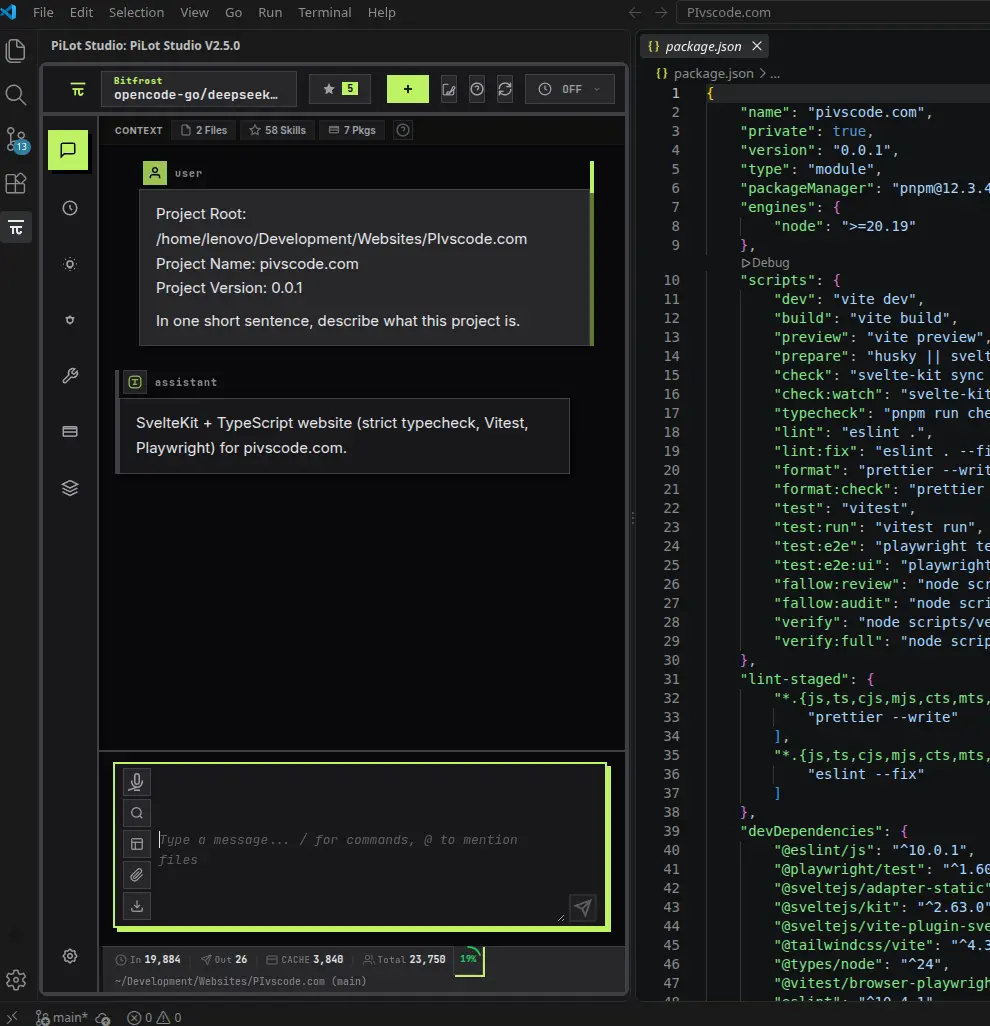
How to Use the Pi Coding Agent in VS Code (With a GUI)
Step-by-step: install the pi CLI, add PiLot Studio to VS Code, configure a provider, connect MCP servers, start a session, and fix common first-run issues.
Blog
Practical walkthroughs for PiLot Studio — setup, providers, packages, and everyday agent workflows, with real screenshots.
Step-by-step: install the pi CLI, add PiLot Studio to VS Code, configure a provider, connect MCP servers, start a session, and fix common first-run issues.
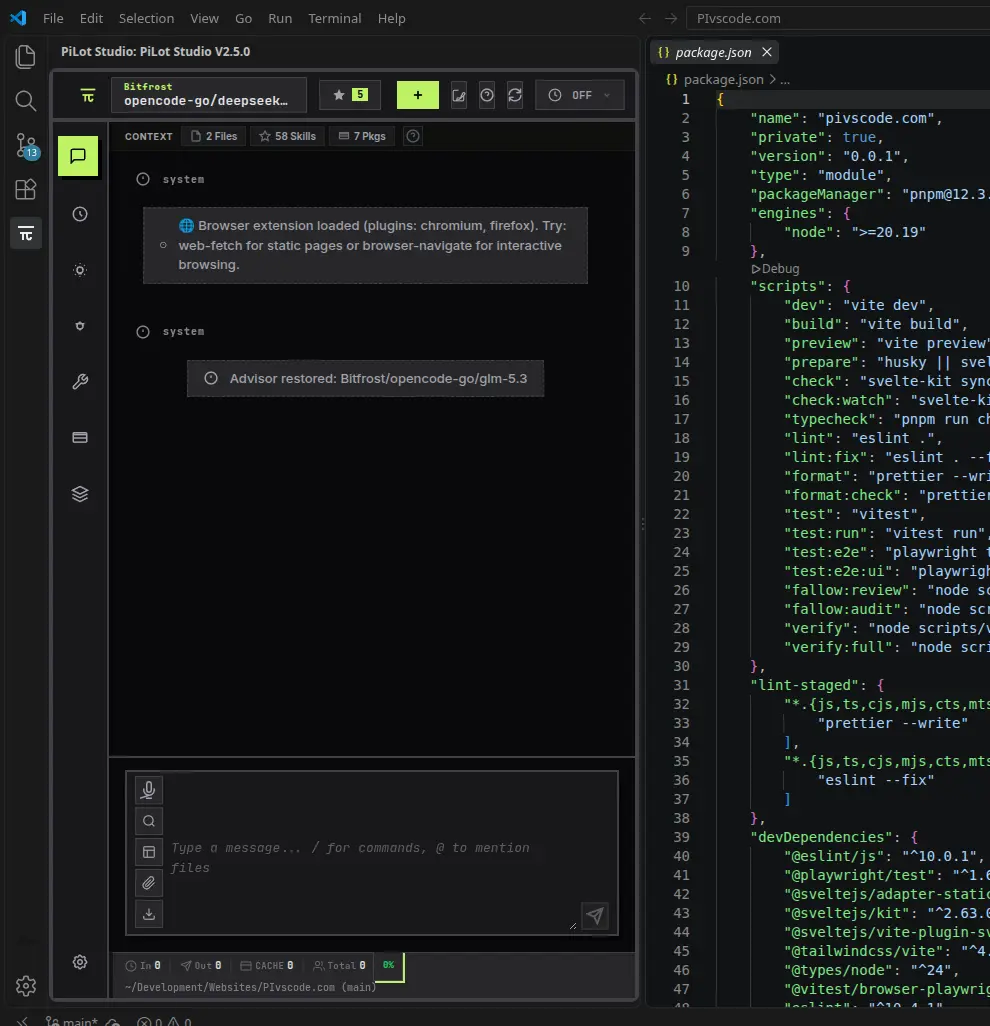
The Pi coding agent is terminal-first. See what PiLot Studio adds on top — visual sessions, one-click models, context control — and when the CLI still wins.
PiLot Studio is a multi-provider, BYOK AI coding assistant for VS Code. How provider switching, local models via Ollama, and privacy-oriented settings work in practice.
Pi is a coding agent with a tiny core — a while loop, four tools, a short system prompt — and total extensibility through TypeScript. Why minimal beats feature-rich, and what that means for your workflow.
New to Pi? Start with the Pi coding agent overview or install PiLot Studio.